Budget PC Setup: The Exact Parts That Get You Gaming for Under $500
Forget vague price ranges — here are the four specific components that turn a tight budget into a genuinely capable 1080p gaming rig.

A budget PC setup that actually plays modern games at 1080p/60fps comes down to three parts you should never cheap out on — CPU, GPU, and RAM — plus one cheap peripheral upgrade that makes the whole thing feel less like a compromise. Search around and you'll find AI-generated overviews throwing out a vague "$500-$800" range for a "budget gaming setup" without naming a single real product. That's not a plan, it's a guess. Below is an actual parts list: an AMD Ryzen 5 5600 CPU, an MSI GeForce RTX 4060 GPU, a Corsair Vengeance LPX 16GB RAM kit, and a Logitech G203 mouse — four components we'd genuinely put in a budget build today, with honest reasoning for each pick and where the rest of your money should go.
One thing to get straight upfront: this guide covers the parts that determine actual gaming performance, not the case, PSU, storage, or motherboard. Those are largely commodity purchases — a 550W 80+ bronze PSU, a basic mid-tower case, and a 1TB NVMe SSD are easy to find at fair prices and rarely make or break your experience the way the CPU/GPU pairing does. Budget your real decision-making energy on the four picks below.
AMD Ryzen 5 5600 — the CPU that punches above its price
The Ryzen 5 5600 is the component that made this whole build possible. Six cores and twelve threads is still plenty for 1080p gaming in 2026 — the GPU below will hit its performance ceiling in most titles long before this CPU does. It drops into any AM4 motherboard, ships with a Wraith Stealth cooler so you don't need to buy one separately, and its price has settled into genuine budget territory now that AM5 has taken over as AMD's current platform. If you already own an AM4 board from a previous build, this is close to a free performance upgrade. If you're buying a motherboard too, AM4 boards are now some of the cheapest on the market, which keeps the whole platform cost down.
The only real caveat: this is a dead-end platform for future upgrades since AMD has moved on to AM5. If you want a CPU you can upgrade three years from now without a full rebuild, that's a legitimate reason to spend more elsewhere. For a build whose entire premise is "get gaming for as little as possible right now," that trade-off is the right one.

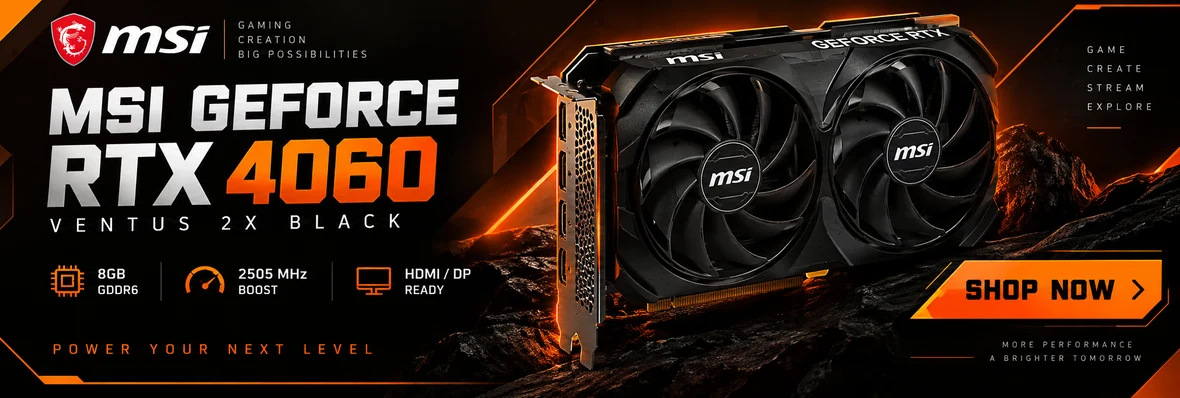
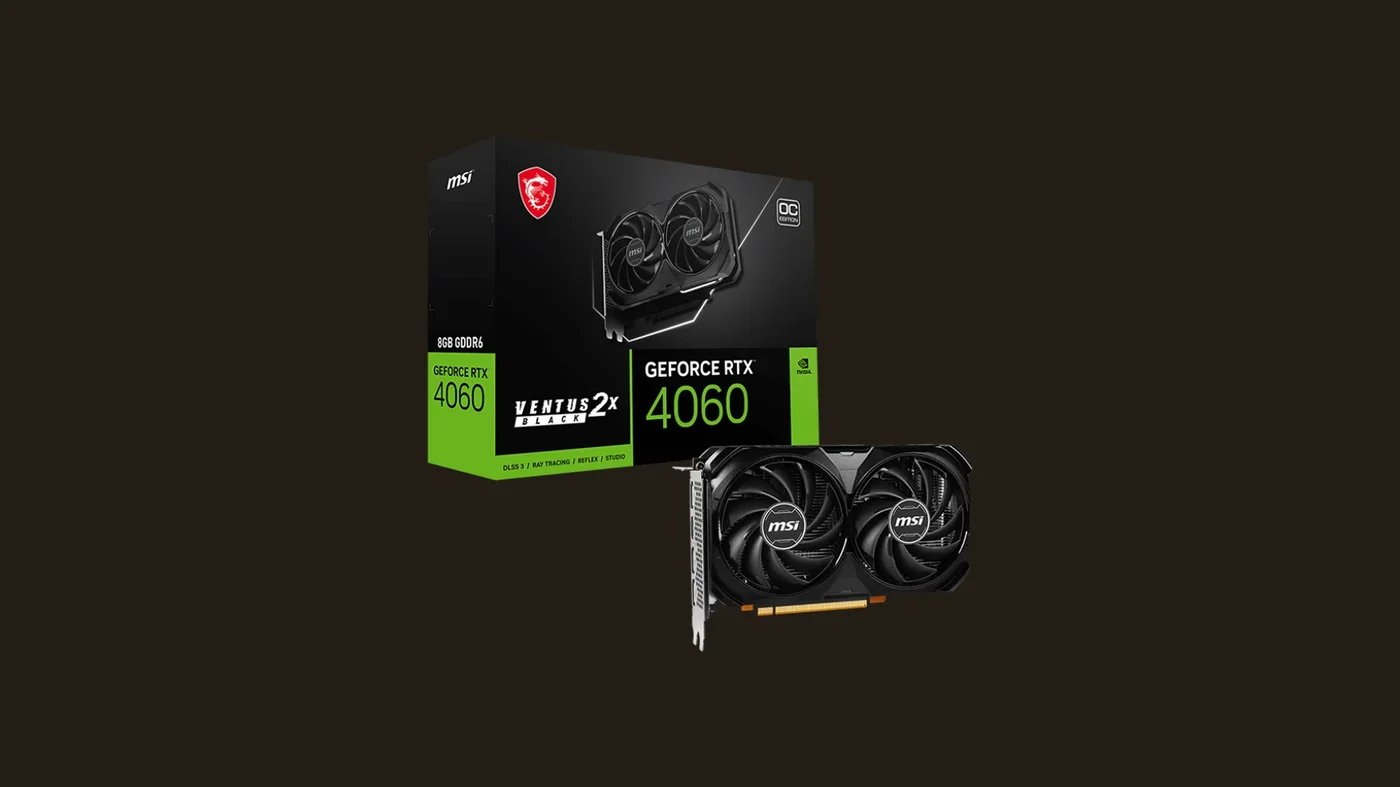
MSI GeForce RTX 4060 Ventus 2X — where the money actually goes
The GPU is where a budget PC setup either delivers or disappoints, and it's also where we chose to spend the most. The RTX 4060 isn't the cheapest 1080p card on the market, but it's the one we can recommend without hedging: 8GB of VRAM keeps it comfortable in current titles at high settings, DLSS 3 with frame generation gives it real headroom in demanding games, and the Ventus 2X's dual-fan cooler keeps noise and temperatures in check in a way cheaper open-box or blower-style cards often don't. Independent GPU benchmarks consistently place it as the sensible floor for anyone who wants 100+ fps at 1080p high settings in modern AAA titles rather than dropping to medium settings to hit playable frame rates.
Between this and cheaper alternatives in the same tier, we picked the RTX 4060 specifically because it's the version worth the extra money — DLSS support alone extends its useful life by a year or two compared to cards without it.

Corsair Vengeance LPX 16GB DDR4 3200MHz — the part nobody skips correctly
RAM is where budget builds quietly fail. Buying a single 16GB stick instead of a matched dual-channel kit, or grabbing whatever clock speed is cheapest, costs you real frame rate for no savings that matter. This Corsair Vengeance LPX kit is 2x8GB running at 3200MHz, which is the sweet spot for AMD's AM4 platform — the Ryzen 5 5600's memory controller is tuned to get real benefit from that speed, and dual-channel means both sticks work together instead of one sitting idle. 16GB is the correct amount for gaming in 2026; going to 8GB will bottleneck you in current titles, and going to 32GB is money better spent on the GPU unless you're also streaming or heavily multitasking — if streaming is the plan, our beginner streaming setup guide covers the camera, mic, and lighting side once the PC itself can handle the extra encoding load.
It's a low-flash component nobody posts about, which is exactly why it's easy to shortchange. Don't.
Logitech G203 LIGHTSYNC — the one peripheral upgrade that matters here
We kept this build to three internal components on purpose, but a genuinely bad mouse undermines everything you just built. The Logitech G203 is the peripheral we'd hand to anyone finishing a first budget build: an 8,000 DPI optical sensor that's massively overkill for the price, 6 programmable buttons, and a build quality from a brand that stands behind its gaming peripherals long after cheaper no-name mice have died. At its price point, it removes "the mouse" as a variable you have to think about again for years.
If you want a deeper dive into mouse options across every budget, our best gaming mouse 2026 guide covers picks above and below this one — and if the keyboard or monitor is next on your upgrade list, our best gaming keyboard under $100 and best gaming monitor under $300 reviews cover that side of the desk. And once the inside of the PC is sorted, the rest of the experience — desk, cable routing, lighting — is covered in our gaming desk setup ideas article, which picks up exactly where this one leaves off.

Budget PC setup: the comparison table
| Component | Category | Role in the build |
|---|---|---|
| AMD Ryzen 5 5600 | CPU | Six cores and twelve threads for 1080p gaming |
| MSI GeForce RTX 4060 Ventus 2X | GPU | The main 1080p performance driver, with DLSS support |
| Corsair Vengeance LPX 16GB DDR4 3200 | RAM | Matched dual-channel kit that removes a common bottleneck |
| Logitech G203 LIGHTSYNC | Mouse | The cheap peripheral upgrade that fixes a weak link |
Those are the four components that actually shape your gaming experience. Add a case, PSU, storage, and an AM4 motherboard if you're starting from zero, and you have a full build that stays well inside "budget" territory — check the current price of each part on Amazon before you buy, since prices move — built around parts we'd actually recommend rather than whatever happened to be cheapest that week.
The bottom line
A budget PC setup isn't about finding the lowest possible number — it's about knowing exactly where the money needs to go and where it doesn't. The Ryzen 5 5600 and RTX 4060 combination gives you a genuinely capable 1080p gaming PC without paying for headroom you won't use, the RAM kit removes a bottleneck most budget builds ignore, and the G203 means you're not fighting your peripherals on top of everything else. If you also want a headset to match this budget, our best gaming headset under $100 roundup pairs naturally with this build — or our Xbox Wireless Headset review if this build is feeding a console instead of this exact PC.
FAQ
Can this build handle 1440p gaming?
Why pick the AM4 platform if AMD has moved on to AM5?
Do I need to upgrade the RAM to 32GB?
What about the case, PSU, and storage — why aren't they covered here?

Focuses on hardware and setup picks for VoxRig, built around manufacturer specs, verified buyer feedback, and independent professional testing from trusted outlets — cross-referenced before any recommendation goes live.